


Create a New Client Profile
Manage client onboarding by creating accurate profiles that power communication, access, and reporting.
Manage your clients efficiently by creating clear, accurate profiles. Setting up new clients ensures smooth communication and access right from the start.
Step 1: From the main dashboard, open Client Management to see your current client list.
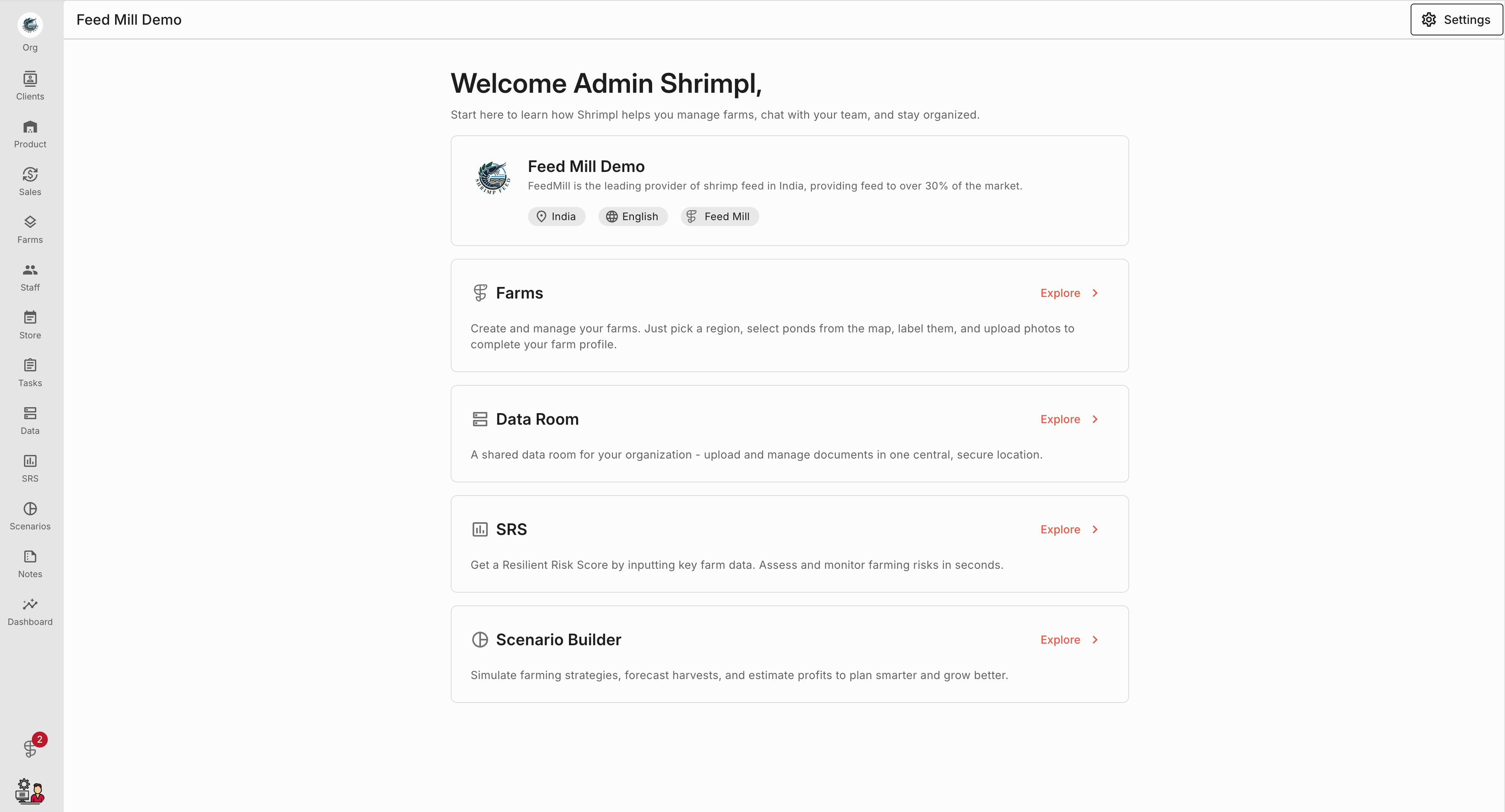
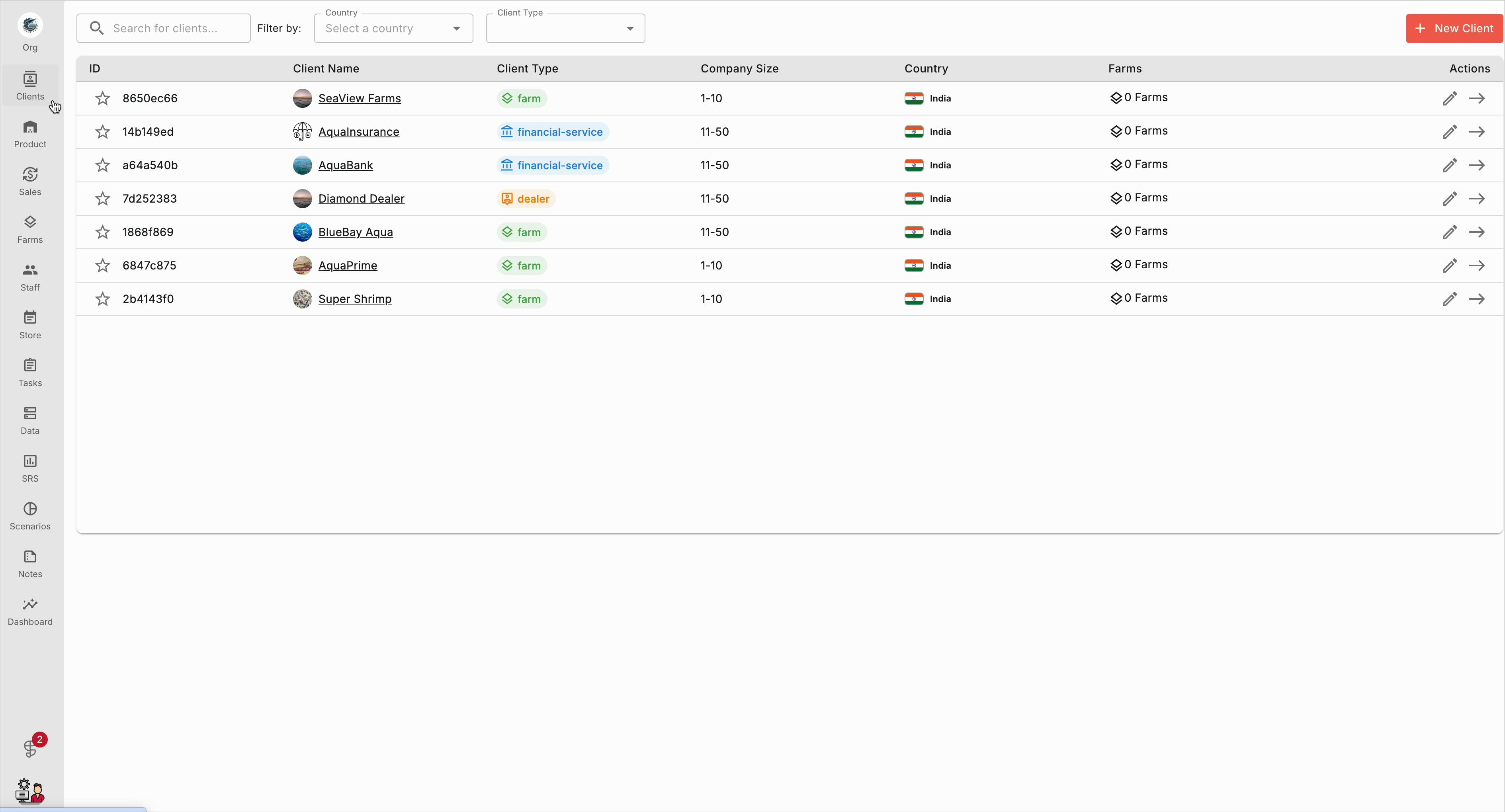
Step 2: On the Clients page, click Create New Client.
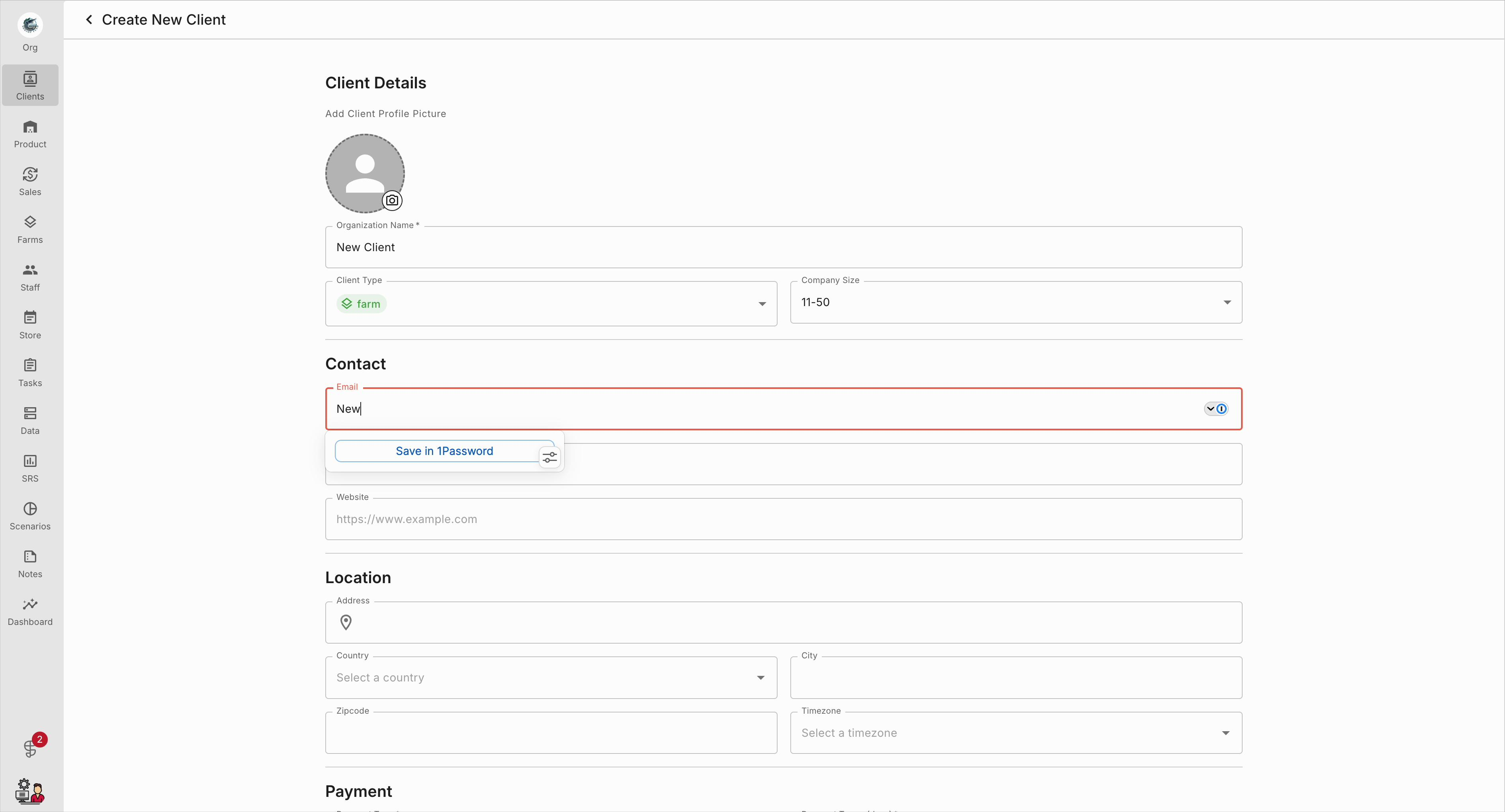
Step 3: In the new profile form, enter the client’s email address in the Contact section.
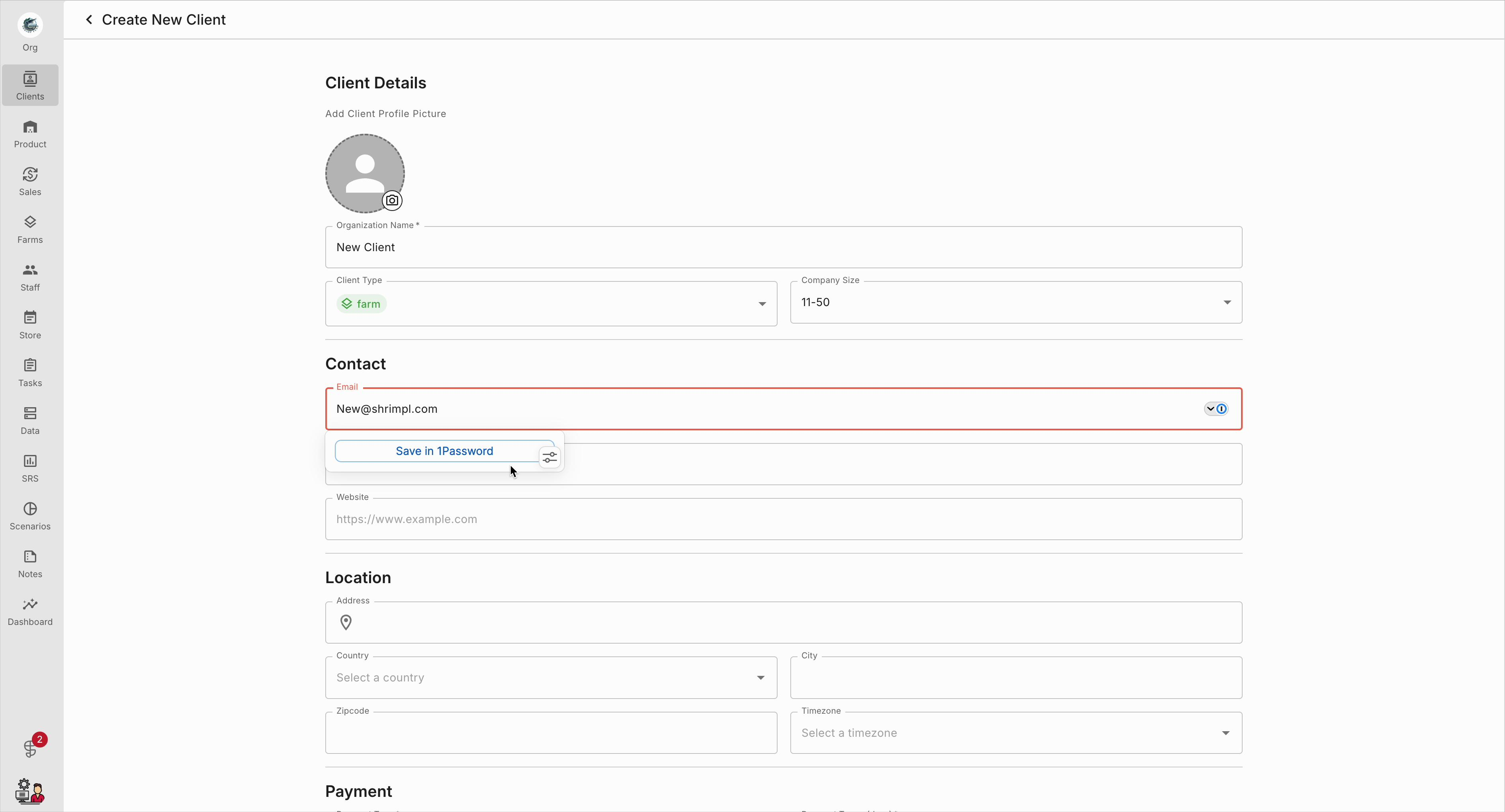
Step 4: Double-check the email to prevent any login or notification issues.
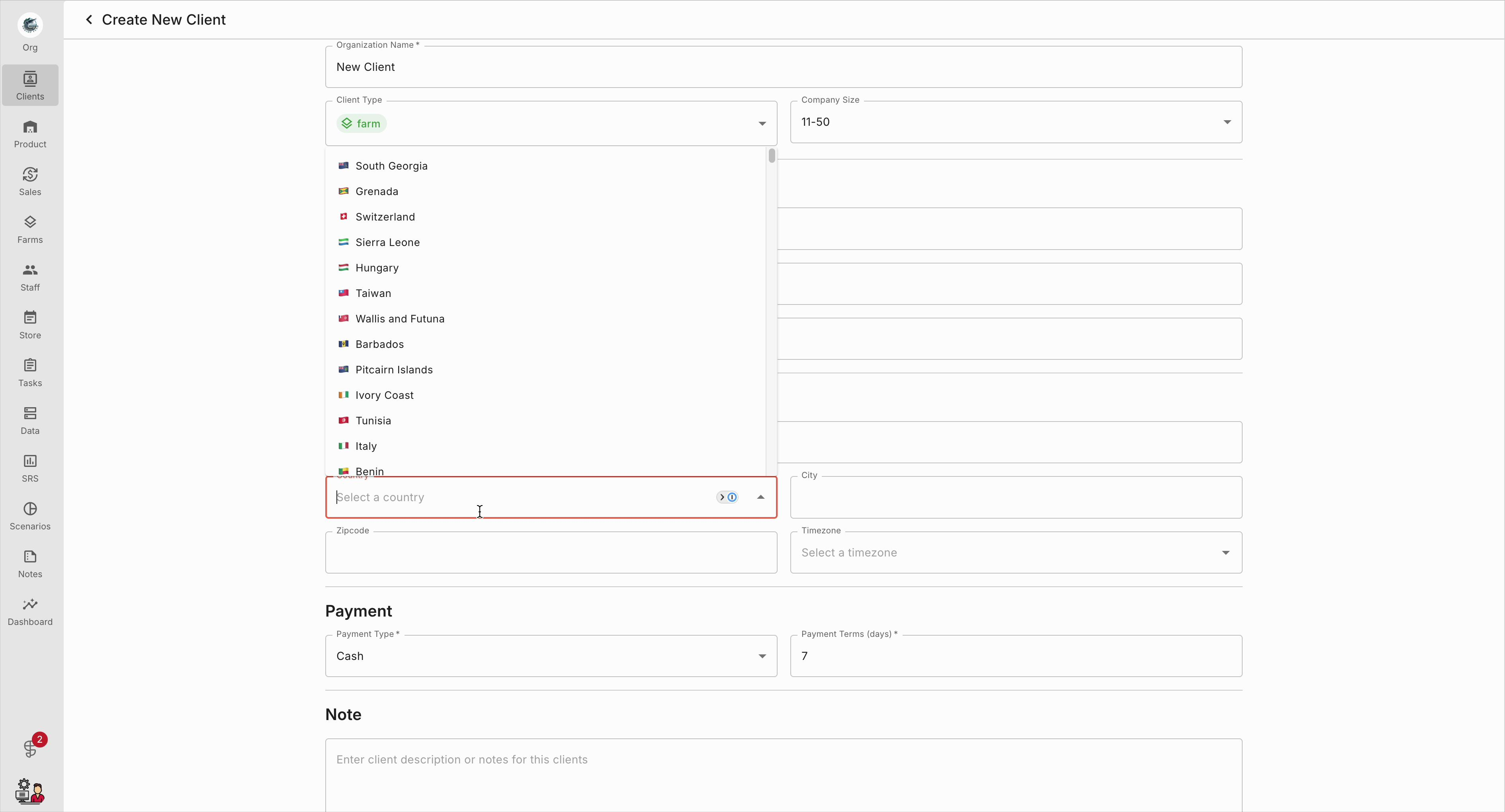
Step 5: Scroll to the Location section and pick the correct country from the dropdown. Make sure your selection appears in the field.
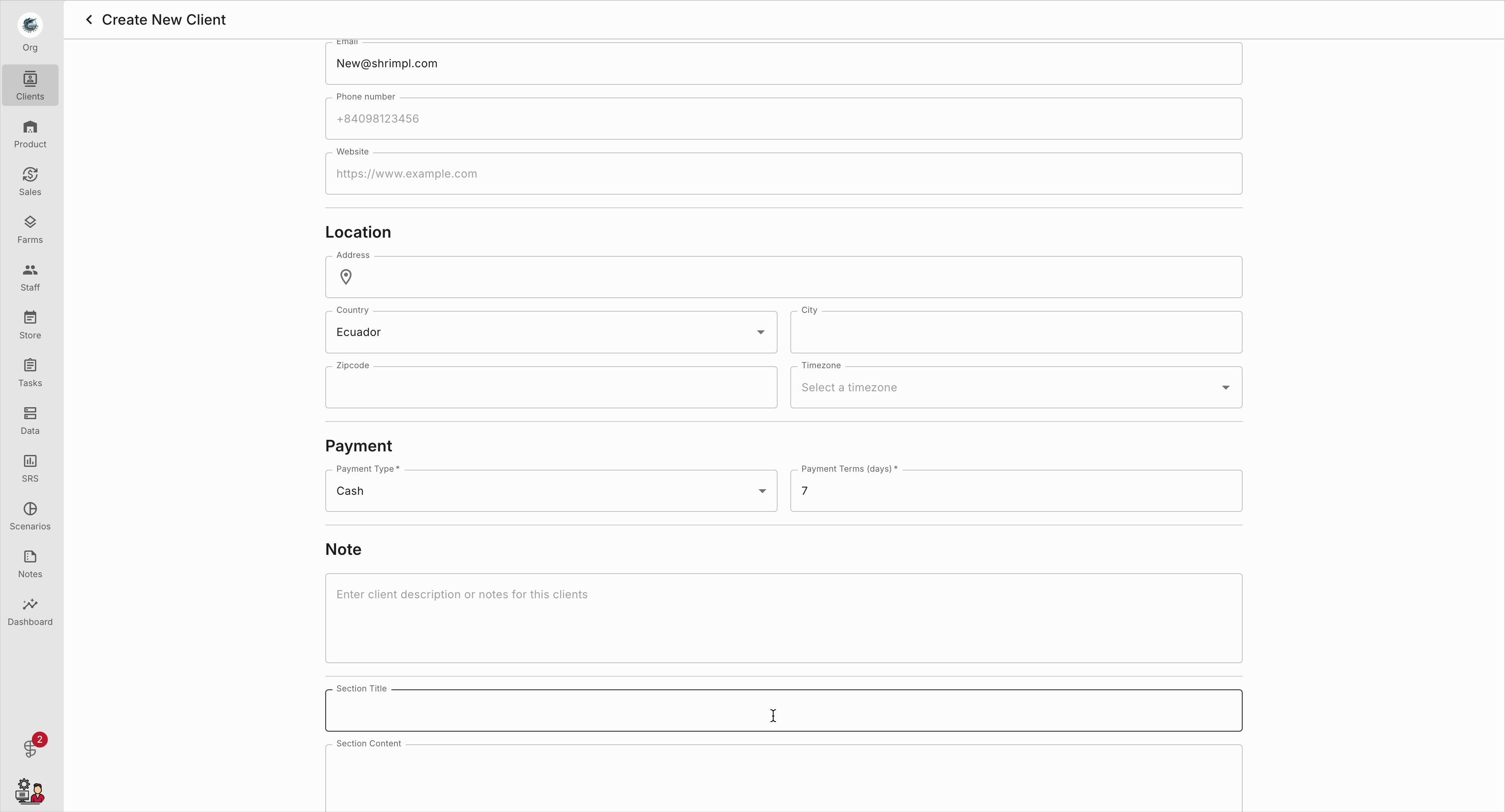
Step 6: To add more context, scroll to the Note area and enter important information in the Custom Field.
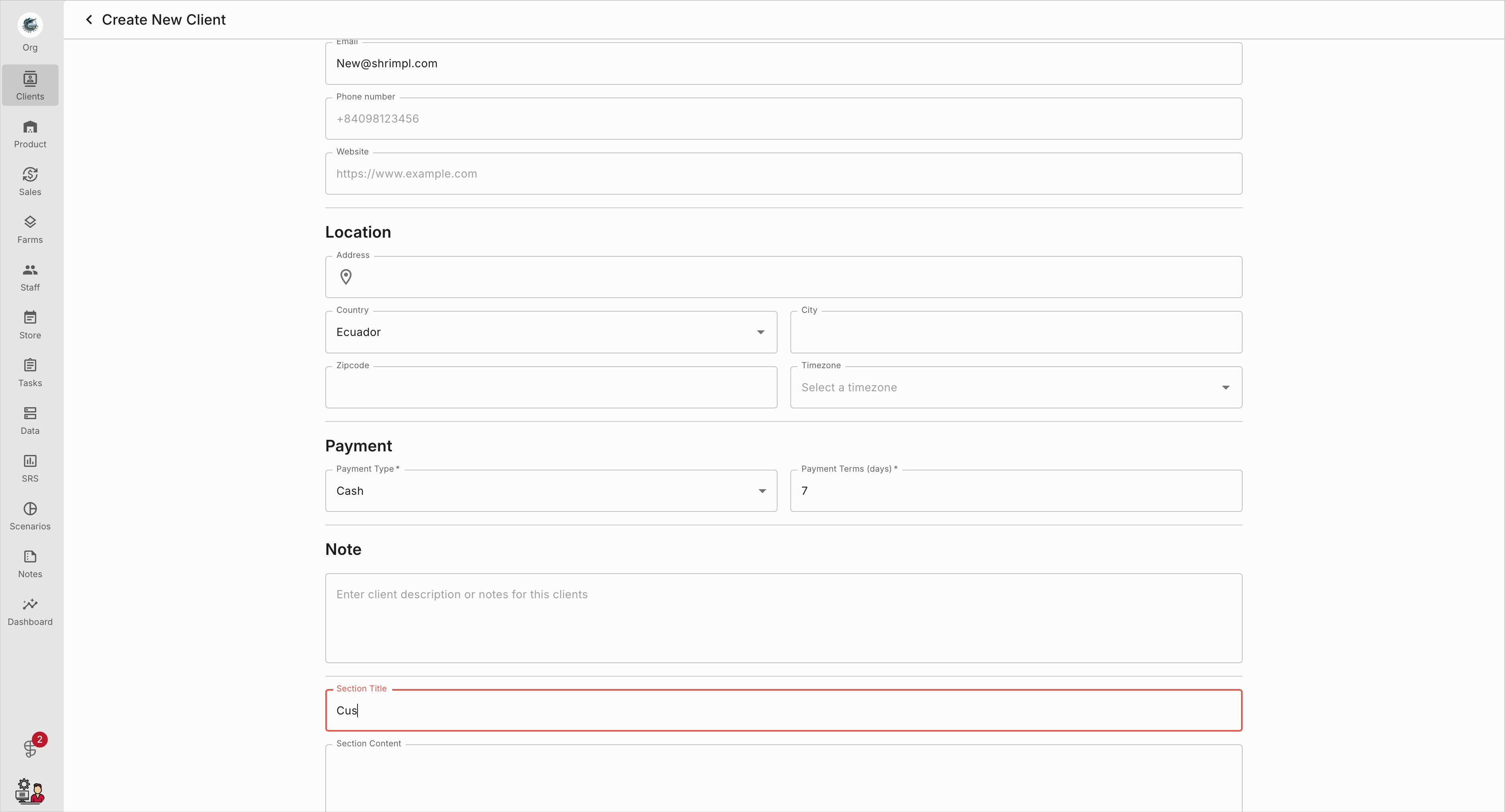
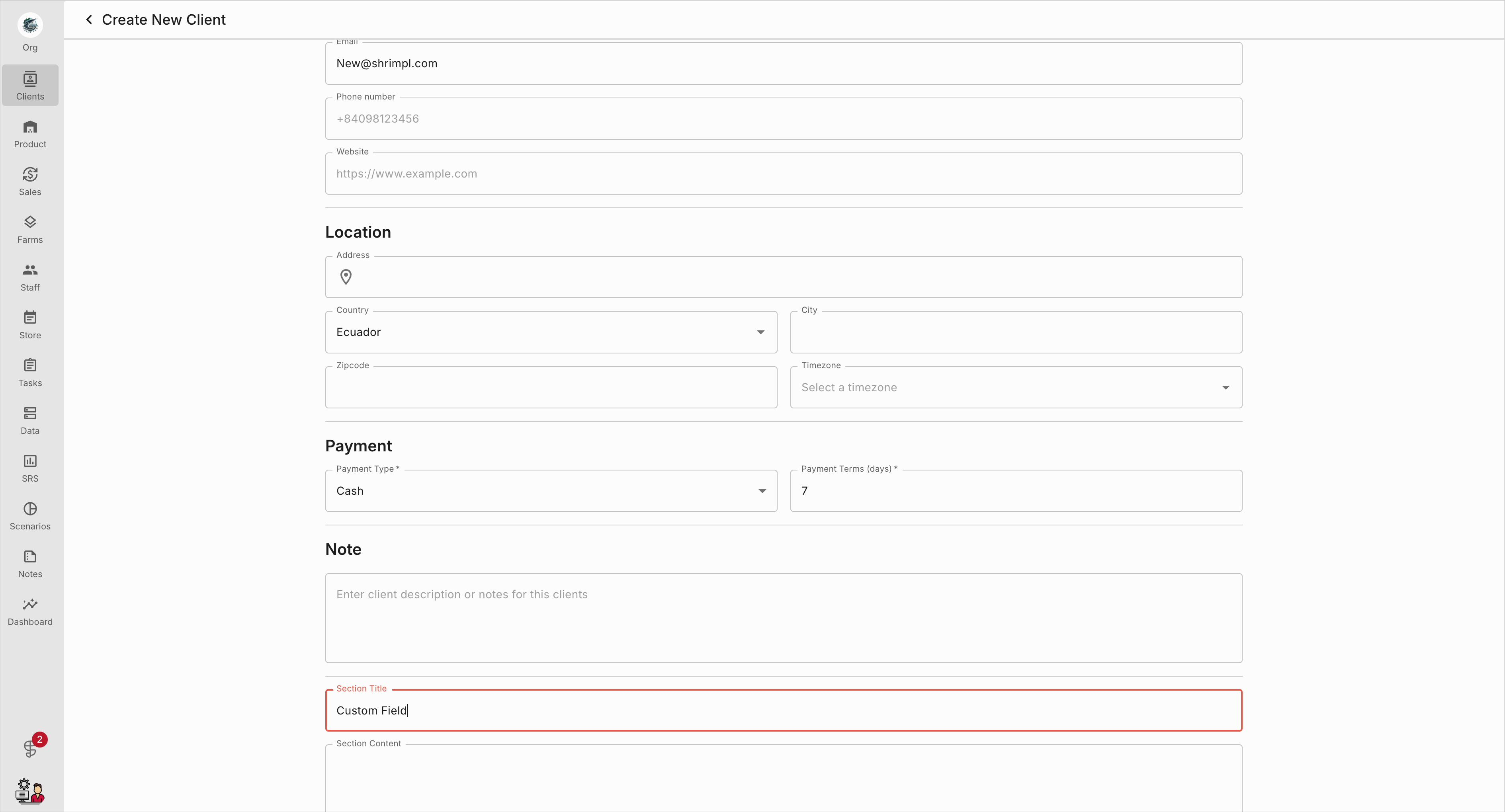
Step 7: Review and refine your notes so they’re clear and consistent.
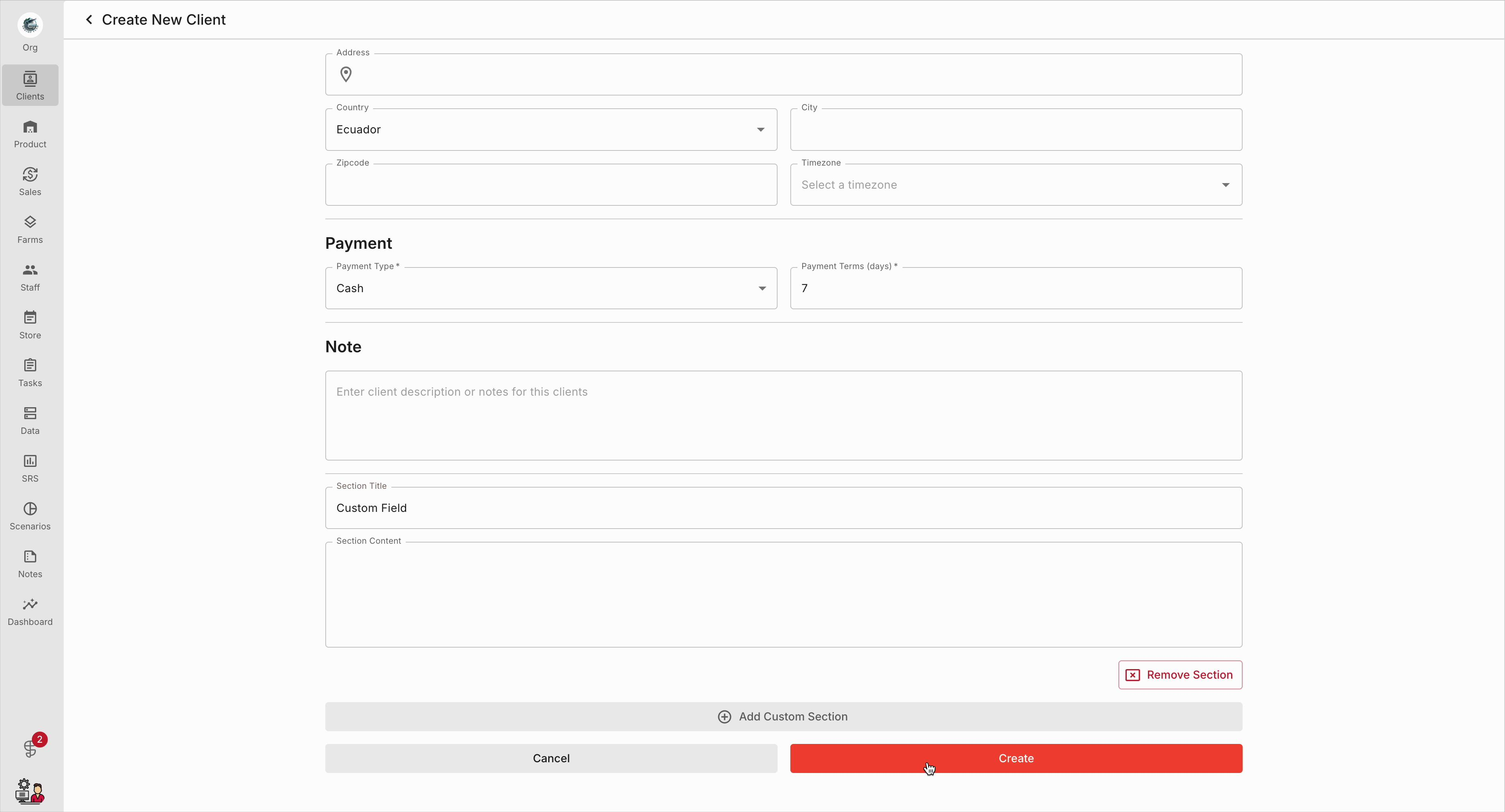
Step 8: Click Create to save the new client profile.
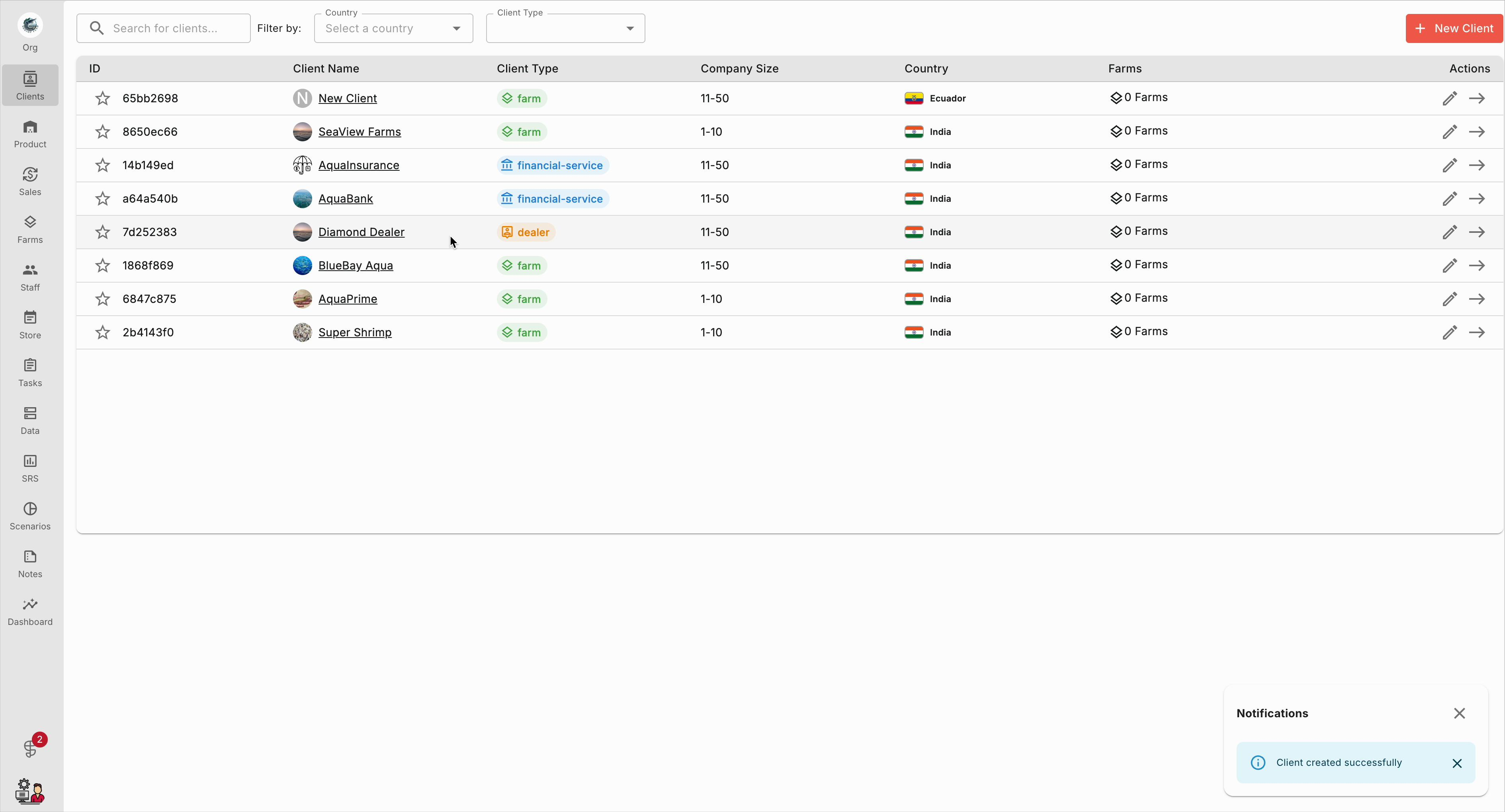
Step 9: Back in the client list, confirm that the new client appears.
Well-managed client profiles help keep your business organized and your communication seamless. Regularly update and review these profiles to maintain high-quality client information.